
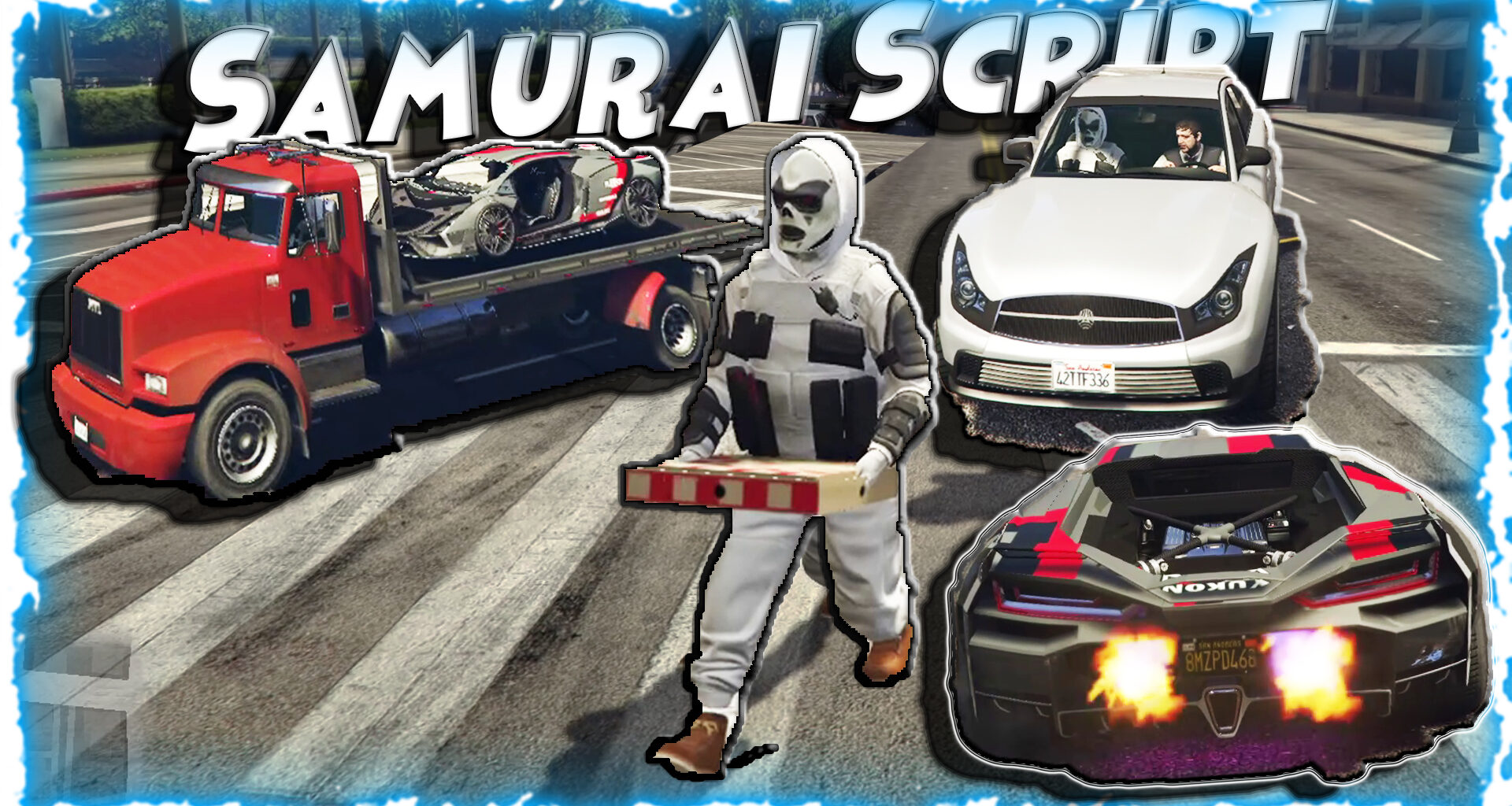
Samurai’s Scripts v2.0.0 utilizes a modular design, where each component within the framework is designed to serve a specific function. Each module is self-contained, making it easier to maintain, update, and modify. For example, instead of having a single file called “vehicle.Lua” that contains everything related to vehicles, the vehicle module includes separate files for different aspects such as vehicle Handling, vehicle spawn points, and other vehicle-related functionalities.
Each module is also independent enough to be used on its own. If you wanted to add an automated car wash to gta v using this framework, you could simply use the pre-existing “vehicle” module and extend upon it by adding custom logic for the car wash.
This modular approach makes developing and updating mods significantly easier. If one part of the mod needs to be updated, developers can simply focus on modifying that area without affecting the rest of the framework.
Memory safety – garbage collection
Another key aspect of professional software engineering in samurai’s scripts is garbage collection. In modern programming languages, most variables are no longer stored on the stack like they were in older versions of c++. Instead, many variables are stored on the heap.
Garbage collection automatically frees up unused memory space in your application, so you don’t have to manually track down which memory locations still contain valid values and free them up before reusing those locations. However, if garbage collection is poorly implemented or performed too frequently, it can cause performance issues due to increased cpu usage.
In samurai’s scripts, we utilize garbage collection for all of our dynamic objects and variables. We’ve implemented efficient algorithms to reduce the number of times that garbage collection occurs during runtime, resulting in minimal impact to overall frame rate performance.
Error Handling – exception management
Professional modding frameworks should include robust error checking mechanisms. These help prevent errors from occurring, but when they do occur, these mechanisms provide useful information about what went wrong so you can debug and fix the issue quickly.
In samurai’s Scripts v2.0.0, we’ve created an extensive exception management system that will catch nearly every type of potential error including out-of-range numbers, division by zero errors, invalid strings, and much more. When an error does occur, samurai’s scripts will produce a detailed message with information about the location in the script where the error occurred, along with details about what caused the error.
Advanced development tools – debugging capabilities
While creating a great modding framework isn’t just about providing users with powerful features; it’s also about giving users the right tools to develop and test their mods efficiently. A good modding framework should offer several development tools to make testing and debugging easy and fast.
One of the best ways to improve user productivity is by enabling users to easily view debug messages and logs at runtime. While you’re playing the game with your mod enabled, you’ll be able to see any error messages being generated directly inside the game itself.
We’ve also included a few additional development tools that give users access to some advanced functionality. For instance, we’ve added a tool that allows users to log out the current state of their vehicle. So whether you want to test how a particular mod affects the vehicle’s speed or if you need to verify that your vehicle has reached a certain position in the map, these kinds of logging tools enable you to do both and more.
State management
Managing the state of your characters’ actions, vehicles, and other entities in gta v can be extremely complex due to GTA V’s vast open-world nature. However, this complexity doesn’t have to mean writing long amounts of redundant code.
Instead of managing state manually throughout thousands of lines of code, we’ve implemented a sophisticated state management system within samurai’s Scripts v2.0.0. This system abstracts away many low-level complexities associated with managing state in gta v. It allows you to store information about any entity or Action in a central place, and then later retrieve that information whenever needed.
Samurai Script
a lua script to play GTA Online Animations using YimMenu. Paste into AppData/Roaming/YimMenu/Scripts Launch Yim, turn on the menu, and select the Samurai’s Scripts tab ….
In-Game Roleplay and Sandbox Tools
Custom Animations: It includes a module called YimActions that lets players trigger specific, expressive animations not normally accessible in the vanilla game, which is highly requested by the roleplay community.
Prop Attachment (EntityForge): Players can spawn, configure, and attach specific objects and props directly to their characters to enhance visual storytelling.
Vehicle Ramming: As seen in the initialization code, the script binds hotkeys to the Numpad (8, 4, and 6) that allow the player to instantly ram their vehicle forward, left, or right with immense force.
Mini-Games & Driving: It includes community-made fun features, such as “Shift-Drift” for modified driving mechanics and “Casino Pacino.”
Self Features
Self features include everything that relates to modifying yourself — combat, movement, and survival features.
⚔️ Katana
Spawns a prop version of a katana (id: 0xE2BA016F) on your character and allows it to act like a fully-fledged held katana. This means that it’s a real in-game object and fully controllable via code, including automatic cleanup when you disable it.
🎯 Laser Sights
Laser sights that enhance the experience of aiming using dynamic visual laser sights that add custom beams to your held weapon.
🔮 Magic Bullet
This feature allows you to change the behavior of projectiles after they are fired. For example, they can home in on a specific target, they can explode when they hit another object, or you could even change their trajectory depending on user input for each bullet fired.
💊 Auto Heal
Heals you at defined intervals once your health is below a certain threshold, enabling you to stay alive for longer periods without manually healing — particularly helpful in lengthy battles or missions.
🧍 Ragdoll Control
Gives you control over your character’s ragdoll behavior — enables individual ragdoll blocking flags, prevents ragdolling due to explosions/impact forces, and allows you to define when your character will ragdoll.
📱 Miscellaneous Self Options
Phone animation controls, crouch toggle flag, hands-up animation flag, phone anim management for multiplayer peds, and other ped config flag overrides.
Vehicle Features
The vehicle features category is perhaps one of the most advanced and technical parts of Samurai’s Scripts, featuring physical/realistic vehicle modification at the memory level, visual enhancements, and new driving mechanics.
💨 NOS (Nitrous Oxide System)
Adds a functional NOS system to your vehicle (veh_xs_vehicle_mods), complete with particles fired from exhaust bones, based on your current engine stress (Danger Ratio). Visual purge effects are also fired from the left and right exhausts when boost is activated.
🏎️ Drift Mode
Drift mode physically changes your wheels’ response at the CWheel memory level for an authentic drift feel. Tires grip is overridden, smoke particles are fired from the rear suspension bones, and it only activates when your engine is running and you’re driving a land vehicle.
📐 Stancer
Complete wheel stance editor that modifies track width, camber angle, suspension compression, wheel width, and wheel size at any time. Each wheel is positioned individually through direct CWheel memory writes — one of the most powerful vehicle customization features ever made for any GTA mod.
🕹️ Drift Minigame
Adds a fully playable drift scoring minigame to the game world. Drift tracking — Shows your drift angle, speed, and current multiplier in the HUD. You earn points for drifting for extended periods of time.
🚀 Launch Control
Launches the car from 0 using a simulated launch control method. Keeps the engine revving at a specified RPM until you hit the gas to launch. Comes with special effects.
✈️ Cobra
Pugachev’s Cobra, applied to cars. Pushes the nose of your car up very fast to give you room to maneuver in mid-air or while driving.
💣 Mines
Drop a mine from your car while driving. Set the type of mine, distance from the car when dropped, and how long the mine takes to explode once triggered.
🌈 RGB Neon
Set your car’s neon underglow to cycle through an RGB pattern. Set the cycle speed and the range of colors used.
💡 Constant High Beams
Toggle the use of your headlights’ high beams, overriding the game’s normal light control.
🚪 IV Style Exit
Recreate the way you exit vehicles in GTA IV. When exiting, the car will slowly roll forward instead of immediately stopping.
🚛 Flatbed & Flappy Doors
Change the flatbed angle of a vehicle and open or close any door independently of the rest. Doors can be opened and closed while driving.
📊 Car crash & braking force display
Adds improved car crash physics to the game, as well as a display of your current braking force percentage in the HUD. Useful for controlling your car.
World Features
🚌 Carpool
Spawns a fleet of NPC cars and drives them around Los Santos in a convoy, as configured. Every car is spawned as a separate NPC, and cleans up properly if you disable the feature.
🎯 Public Enemy
Set your wanted level to max and make everyone in the city come after you. This includes both cops and civilians.
🏃 Enemies Flee
The default AI behavior for enemies has been completely reversed. If they see you, they’ll run away from you instead of attacking. Makes areas much easier to clear out.
🔫 Kill All Enemies
Instantly kill all nearby hostile NPCs. Useful for getting out of a jam.
🙈 Hide & Seek
An implemented version of Hide and Seek where a single player is chosen to seek and all other players are tasked with hiding somewhere. The seeker can find people hiding in a car trunk, a trash can, or a parked car. Each of these hideouts have specific animations to go with them (hiding in a trunk is done with a cockpit animation, a trash bin with a crouch animation, and a parked car with a sleep animation). It also keeps track of which person is seeking and which aren’t.
🌍 Misc. World
Add more random functionality to the world, including but not limited to changing NPC count, modifying traffic, and adding events to the world.
User Interface and Commands
Developer Console: By pressing [F4], players can open a text-based command console over their game. They can type commands using an exclamation point (like !ls or !dump) to execute specific functions instantly, bypassing the need to click through complex menu layers.
Custom UI: Pressing [F5] toggles a dedicated graphical user interface that runs alongside the standard YimMenu overlay.
Crash Prevention: Before the script fully loads, it checks the game’s current version. For example, it intentionally blocks certain newer DLC weapons (like the “WEAPON_STRICKLER”) from loading if the player is on an older “Legacy” version of the game, preventing the game from crashing.
Modular Expansion: It acts as a highly stable “bootloader.” Because it is built on a lightweight foundation (SmallBase), it allows other developers to easily plug in their own modules (like Acid Lab integrations or Mastermind heist tools) without breaking the core script.
Custom Animations (YimActions): The script includes an advanced module named YimActions. This tool allows developers and players to trigger custom animations, a massive boon for the roleplaying community looking for expressive actions outside the vanilla game limits.
EntityForge: This module handles complex prop configurations and attachments. It enables players to attach objects and props to their characters for deeper roleplay scenarios and visual storytelling.
Driving & Mini-Games: The open-source community has heavily influenced the script’s fun factor. Contributors have integrated modules like “Shift-Drift” (by Harmless) and “Casino Pacino” (by gir489returns), prioritizing sandbox fun over standard grinding
Installation:
Users simply download the latest archive from the GitHub releases section (with standard updates scheduled every Sunday at 8 AM) and extract the SSV2 folder directly into their %AppData%\YimMenu\scripts directory.
In-Game UI: Once injected, pressing [F5] toggles the script’s custom User Interface, running perfectly alongside the standard YimMenu overlay.
Features [+]
1000 Actions Loaded
Pops and Bangs From Exhaust
Sit With NPC and Drive with them
Loud Music from your Radio
Works without FSL
Tow Truck to Remove Traffic Vehicles
Bypassed With Battleye Engine
Installation Instructions
Extract the Folder to your Desktop and Launch GTA V Make Sure you Inejcted “Yim Menu” Then Open Settings Select Network.
Under Network Tab Navigate “stats”
Then Copy and paste the values into the packed stat sections
Write 1″Press on Bool” go to outfits shop to check it if its Loaded and You can check into your saved outfits.
Then if its not working change to 1st character, Thats it Enjoy UwU.
Removing Friction There is no fun in playing a game while you’re angry. You’re not having fun. In a server with lots of griefers and ad bots, you’re just sitting there. The script helps with this. The script removes the frustration from the game, whether it’s an endless grind, a death screen, or something else. It also sets up a space that’s fun to be in, even if the only thing you do is drive around. This is a safe space, and the player has complete control over what happens in it.
Enabling Self-Expression (Roleplay) Many players in sandbox games create their own fun by roleplaying. The script gives you more options to express yourself than the base game does. Custom animations (YimActions) let you perform a variety of emotes that would otherwise be impossible, such as sitting on the ground, talking to NPCs, or picking things up. Prop manipulation (EntityForge) lets you attach any prop to your character. This is useful for adding things like guitars or bags to a character, or changing the look of your outfit.
Breaking the Rules of Physics Sandbox games are about controlled chaos. Once you’ve driven the same cars for hundreds of hours, it’s good to change things up a bit. This script helps with that. Shift-Drift changes how cars drive on the streets of Los Santos. Binding certain keys to “shift-drift left,” “shift-drift right,” or “shift-drift forward” lets you perform these actions in mid-air or on the side of a car.
FAQ
Q: Will the Actions can be seen to other players?
A: Yes, they can seen to other payers
Q: Is the Script safe to use for Online?
A: Yes,as long Battley eye is turned off,The mod includes anti-cheat bypass measures; however, use it at your own risk.
Q: Which versions of GTA V are compatible?
A: The mod works with the latest updates of GTA V on PC 1.73 Version.
Q: Can I play online with this mod?
A: The mod is designed for public sessions if you have FSL Loaded.
🧩 Pictures :

🎬 Video Tutorial
