


Why do i need fsl?
As you probably know by now, GTA Online is possibly One of the best multiplayer games available today. However, many people have encountered some major frustrations — banning, server-based restriction, and other limits. Fortunately, fsl is a new way to store your GTA Online data, which makes it easier for players who really want to enjoy playing gta v to take control of their GTA Online experience.
Below, we provide detailed information about fsl, how it works, its Features, and the reasons it is so beneficial for all gta v fans.
What is fsl?
Fsl is a third party DLL injector for Grand Theft Auto V which modifies where your GTA Online save data is saved, i.e., from Rockstar servers onto your local machine. It also includes cheats codes that give you unlimited amounts of money in private online sessions. In short, fsl takes the save request for Rockstar servers and directs it to your local files (%appdata%\fsl). The way that fsl stores your save data has a number of benefits, including better player management, increased security for your account, and better overall experience.
How does fsl work?
FSL Works very simply. When fsl doesn’t find any local saves, it will try to retrieve your current online save data from Rockstar’s servers. After that point, every time you either “save” or “load,” the save/load commands will direct to your local drive. There are three things required to install fsl:
1. Place the version.DLL file located in your gta directory.
2. Once you have placed the version.DLL file in your gta directory, fsl will start up automatically each time you run the game.
3. For versions of gta v beyond version b889, you need to replace version.DLL with WINMM.DLL. Version.DLL was made obsolete for future versions of gta v; therefore, it might not operate in later versions of gta v.
To clarify: fsl is a local save modification tool — its only goal is to turn your online save into a local save. This clarification is necessary for understanding the Features and limitations of fsl.
Features
Feature #1: save storage
Your online save is not being sent to Rockstar’s servers anymore – if you choose to stop using fsl then you can play with your online save. Conversely, if you chose to start using fsl then you will play with your local save. Essentially, you will always have the option to switch back-and-forth at your discretion.
Feature #2: cheats — unlimited money
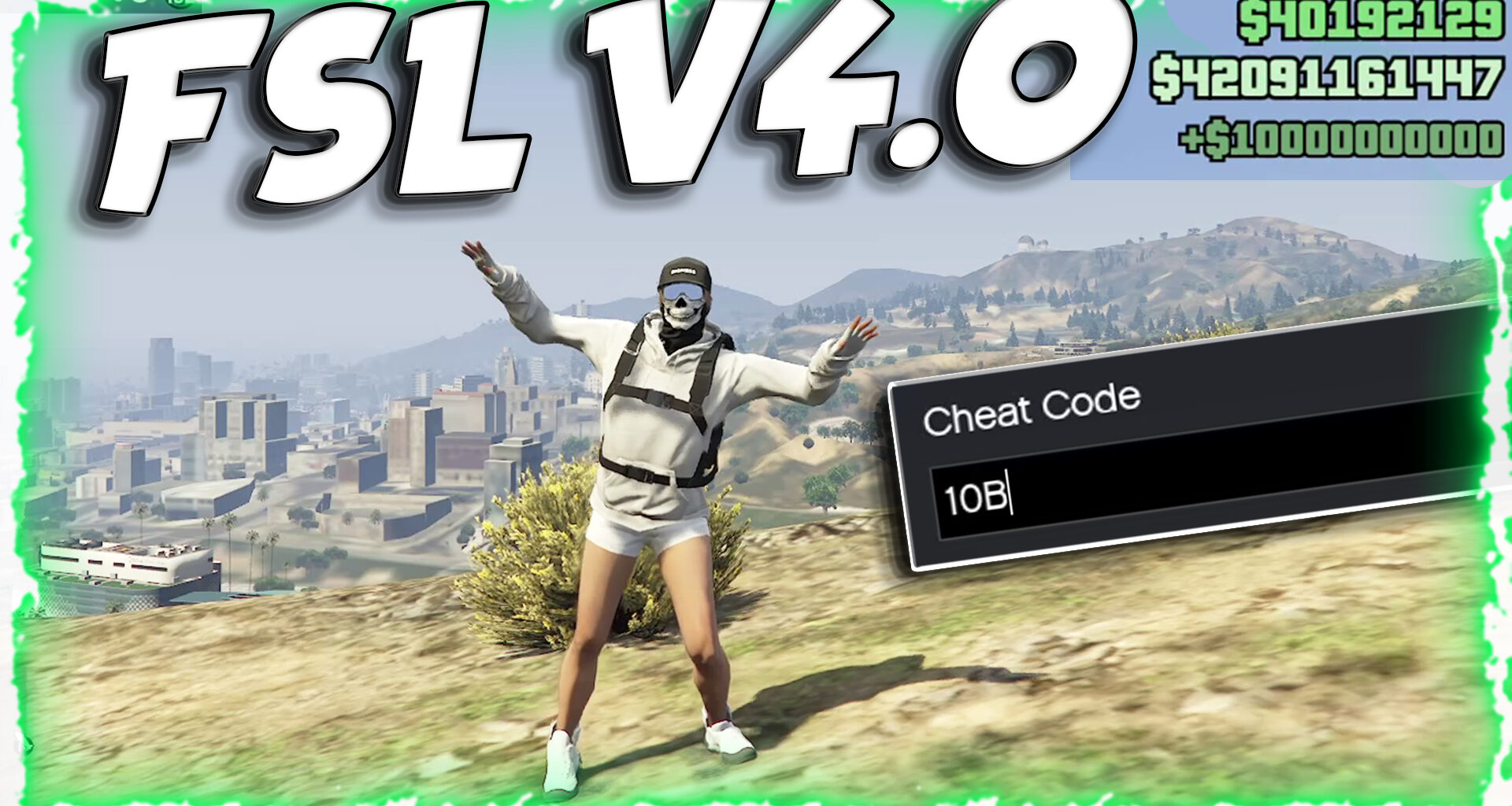
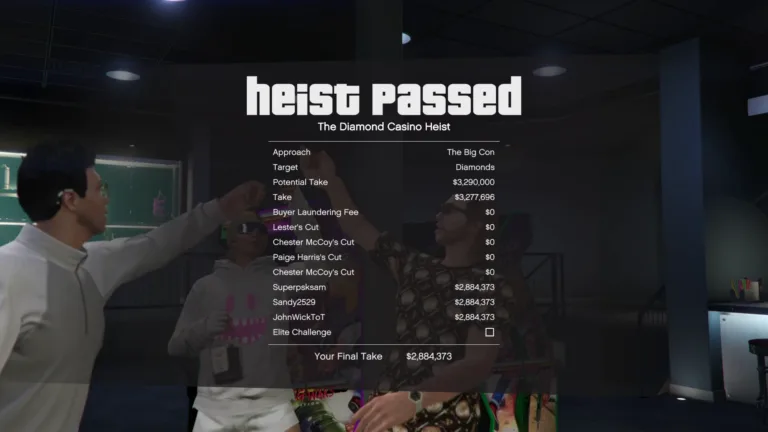
One of the main reasons people get excited about fsl is the limitless money generating cheat code feature. Using these cheat codes will allow you to immediately generate large sums of cash in GTA Online. Some of the most common cheat codes include:
• $1 million
• $2 million
• $10 million
• $100 million
• $1 billion
• $10 billion
Using these cheat codes will greatly reduce the amount of time you spend grinding out money in GTA Online. With fsl, you will be able to generate virtually endless amounts of cash instantly.
Feature #3: ban protection
Another reason why fsl is so valuable is due to its ban protection policy. As long as your save is stored locally (i.e., on your computer) and never transmitted to Rockstar’s servers, they will not be able to detect that you have modified your save. Therefore, you can avoid getting banned by Rockstar!
Feature #4: solo play
With the power of fsl behind you, you’ll be able to create a fully functional GTA Online solo play session using a suspended/banned/working account. Keep in mind that this will prevent you from accessing the full multiplayer mode — solo only.
Limitations & important considerations
There are several limitations to consider before deciding whether or not to utilize fsl.
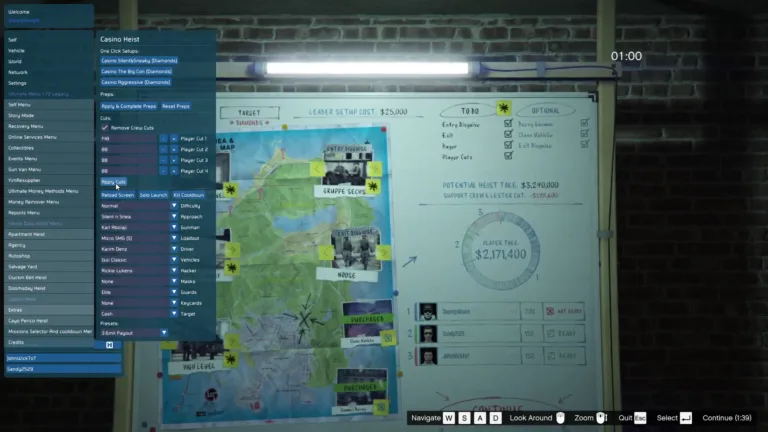
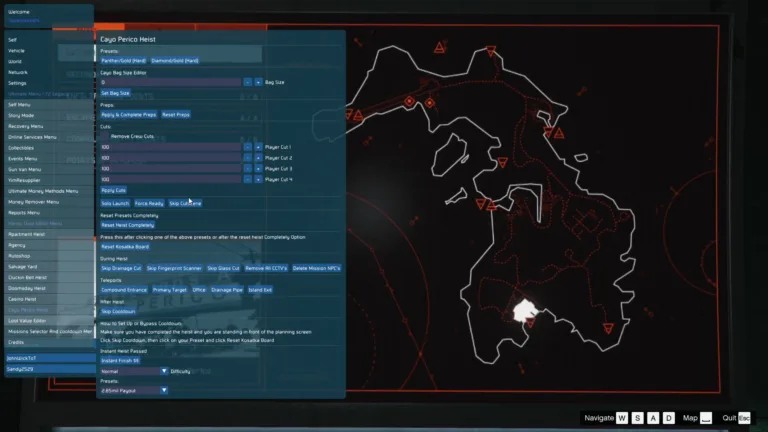
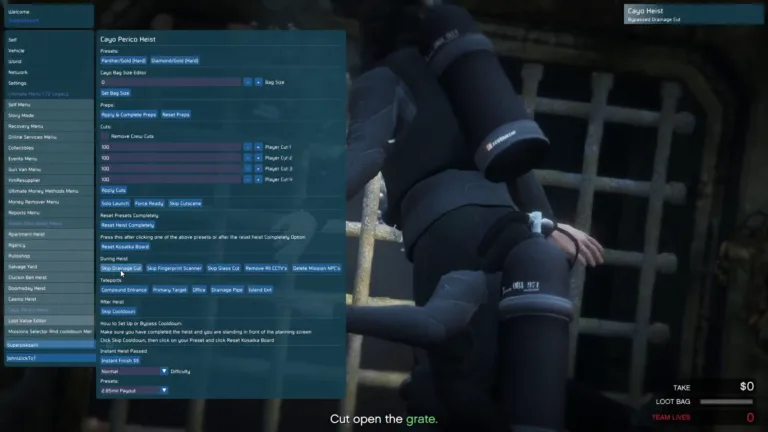
You must use a mod menu for fsl to work properly. Without a mod menu installed, fsl will not work properly!
Currently there are no tools to edit your saves — although you can view them using CodeWalker.
If your account has been suspended or banned and you have no previous fsl save on file then this tool won’t work for you.
Setup requirements before utilizing fsl
Prior to utilizing fsl there are two setup requirements you need to follow:
1. Deactivate BattlEye under settings — otherwise fsl will not load properly!
2. Verify that fsl has loaded correctly by checking your legals screen — if fsl loads properly then you should see “(with fsl)” next to the version number of the online game listed on your legals screen.
Data backup & safety
Although fsl creates periodic backups of your data, it is highly recommended that you create and maintain your own backup copy of all of your data in a safe location — as everything contained within %appdata% will be deleted upon performing a Windows reset.
Compatibility versions
Throughout the years since its initial release in v1.0 (the first version of fsl), there have been numerous updates that support increasing compatibility with different build numbers of gta v. The versions currently supported by fsl range from b889 (enhanced) through b3570 (legacy) along with various earlier builds such as b3258, b3351, b3411, and b813.
What is FSL?
So, if you fear being suspended or banned due to BattlEye’s constant update and Rockstar’s ban wave, there is a way around it if you are suspended/banned but still want to play GTAO (only in solo): FSL method. Here’s a simple guide on how to use FSL saves and how to create them, as well as what to expect.FSL (Force Save Local/WINMM.dll) is a BE bypass script. It is the safest way to mod in 2025. FSL is not supported by all mod menus, so you need to read their documentation. While FSL is a BE bypass, it’s not guaranteed you won’t be banned. Modding games with heavy Anti-Cheats such as BE is always risky. However, if you don’t go hog wild with your mod menus, you should be safe.
FSL needs a mod menu to work, it won’t work without mod menu.
FSL is a LOCAL SAVE tool. It takes your online save profile and converts it to a local save. It is not a magic tool that lets you play public sessions. It may have been able to do that in the past, but it was never meant to and it can’t do that anymore. The only thing it does is convert saves to local saves.
Why FSL is needed
Because of BattlEye in GTA V, you will get constantly suspended or banned whenever a new mod menu or cheat tool is released and detected by BattlEye.
So you’ll be going through a cycle of having your mod menu updated or BattlEye getting a patch to block the newer versions of mod menu. This means you’ll have a risk of getting suspended or banned again if you use mod menu.
With FSL, if you are banned or suspended, you can still play GTA Online but only in solo session, and most of the things in GTA Online work (missions, events, buy items etc.), except you can’t join multiplayer lobbies (Public Sessions).
How FSL works
FSL save is where you store all of your GTA Online data locally. Your GTA Online profile save data is normally stored on Rockstar server, but with FSL you can have this saved locally as well. When you load this data into GTA V, you can start a solo GTA Online session, and everything will work as intended even if you are working/suspended/banned.
Note: You will not be able to play with others in multi-player, only in solo.
To use FSL, you need to have an FSL save already created before you got banned or suspended. If your account is already suspended or banned and you don’t have any previous FSL save, you won’t be able to use FSL method.
Where to get FSL
Only download the official FSL tool from Unknwoncheats OR from us to avoid any scams. Download the latest version.
How to make FSL backup
Run the Rockstar Games Launcher, DO NOT RUN GTA V. Make sure you are logged in with the account you want to make backup for. Go to Settings and uncheck “Enable BattlEye”.
For Steam/Epic users: Disable BattlEye by adding “-nobattleye” to launch options: Steam: Library > Right click GTA V > Properties > Advanced Epic: Library > GTA V > three dots next to it > Launch Options
Locate the root folder of GTA V: Steam: Library > Right click GTA V > Manage > Browse Local Files Epic: Library > three dots under GTA V > Open Install Location
Rename the downloaded FSL tool from “version_[unknowncheats.me]_.dll” to “version.dll”. Move “version.dll” to the GTA V root folder where GTA5.exe is located.
Start GTA V, and it will load the FSL local GTAO save and start you off in solo session.
Using FSL on suspended/banned accounts
Assuming you have made an FSL backup before you got banned/suspended, and you have “version.dll” in root folder, and BattlEye is disabled. Run GTA V normally and select “Join Session”, you will enter a solo session of GTA Online with your last local save.
Everything should work as expected, except for playing with other players. To play normal public sessions, you must move/remove “version.dll” from root folder.
Backup guidelines and safety
Each time you start GTA V with “version.dll” present, it creates a backup of your GTA Online character save data for both characters. If you want to reduce your chances of getting banned or suspended, it is recommended to only use FSL backup once per 2-4 weeks if your account is working. Just load GTA V and enter GTA Online and exit. Remove “version.dll” after. There’s always a chance of getting banned/suspended if you use any .dll files.
How to play with friends
You can play with anyone you want as long as you both are using a menu. You can use any mod menu combination with any other mod menu if BattlEye is disabled. This also applies to both Legacy and Enhanced Edition. Players who are not using mod menu but are using BattlEye cannot join you, nor can you join them.
Note: FSL will only work if you made FSL backup before you were banned/suspended. FSL is only for solo session, you can’t play in Public Session with other players.
You need to remove “version.dll” from root folder and Enable BattlEye to play public sessions.
FSL needs a mod menu to work, it won’t work without one.
🧩 Pictures :
🎬 Video Tutorial
